
How to Login WINPKR Game Account?
- Open the app Tap the app icon on your phone. Wait for the app to load its homepage.
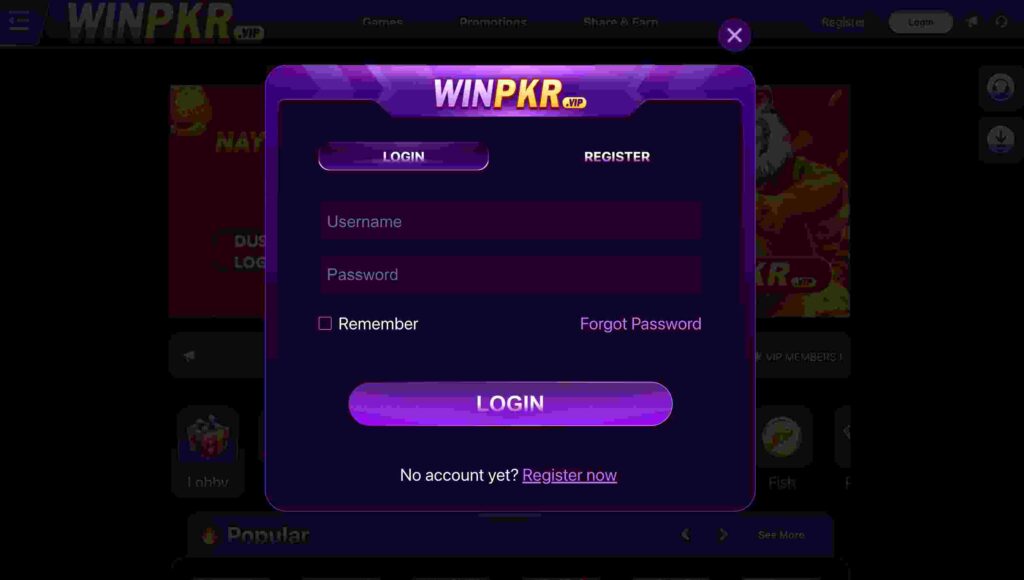
- Click on Login On the main screen, you will see two buttons Login and Register Tap Login.
- Enter your phone number and Type the mobile number you used when you created your WINPKR account. Make sure the number is correct (no extra digits).
- Enter your password and Type the same password you set during registration. Check for Capital letters, Small letters, Numbers Make sure there are no errors.
- Tap the “Login” button After entering your number and password, click Login. The app will try to connect to your account.
- Wait for login confirmation If your details are correct, you will be taken to the dashboard/homepage of WINPKR. Here you will see Your balance, Games, Deposit/withdraw options and Bonus section.
If Login Fails — What You Can Do
Click Forgot Password Enter your phone number. Follow the steps to reset your password. Double-check the number you typed. Some users say their account got blocked. In this case Try contacting WINPKR support (if available) Or create a new account (only if allowed). Check your internet connection and Restart the app.